How to Add Your Name and Date to an Exam Photo
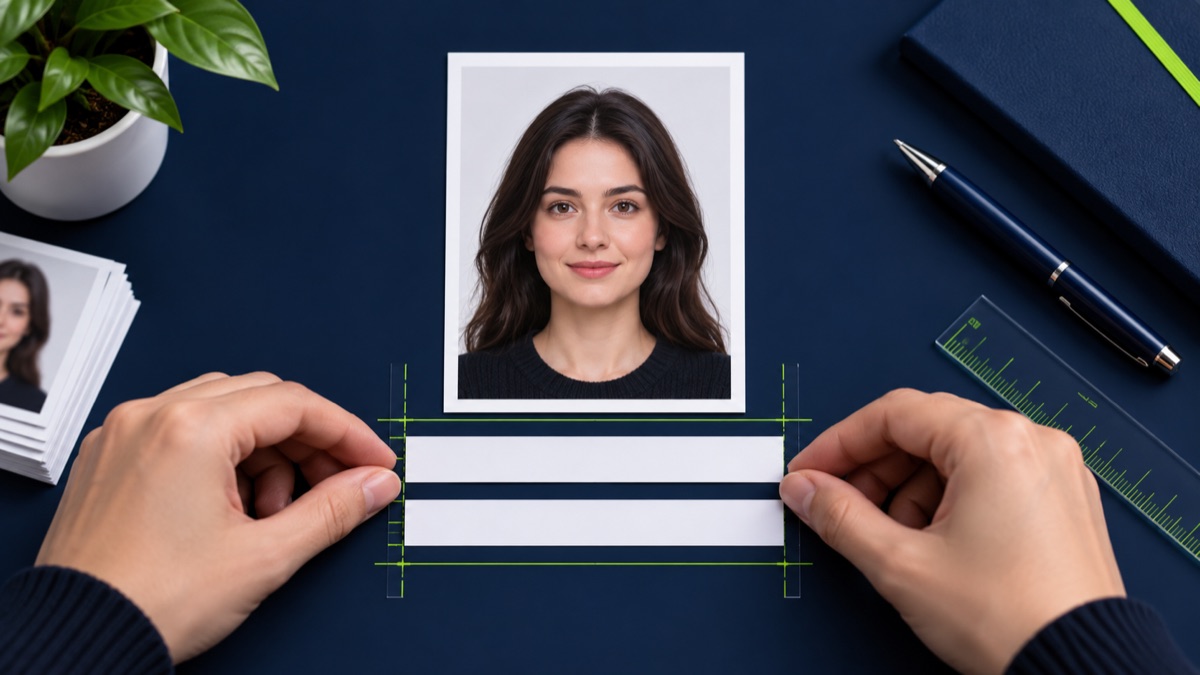
Create a clean candidate-name and date strip below a photo while preserving the original image.
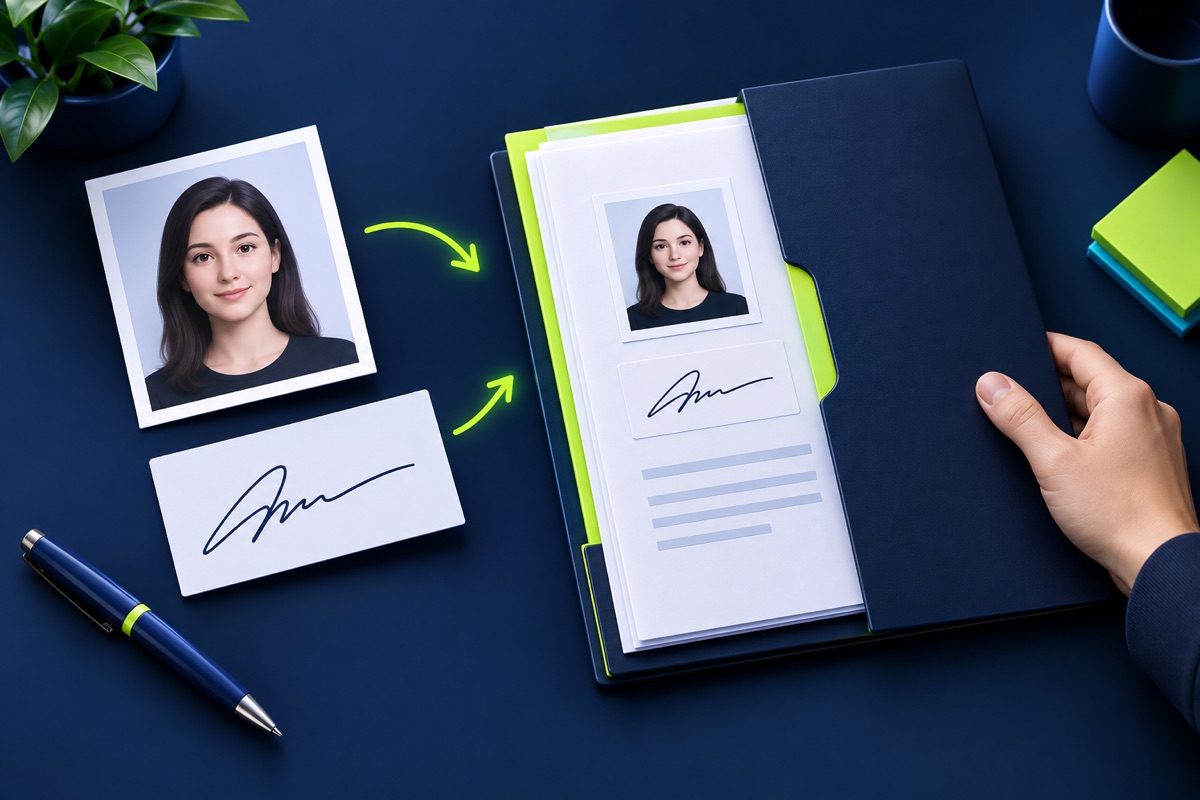
Some examinations request a photograph that includes the candidate name, the date the photograph was taken, or both. Use the exact wording and date format stated in the current notice.
UtilityHub completes this job inside your browser. Your source file is not uploaded to UtilityHub, and the downloaded result is a separate file.
How to do it
- Open a clear, correctly cropped application photo.
- Enter the candidate name exactly as required.
- Enter the correct date and review the preview.
- Download the labelled photo as a separate file.
Check the result before uploading
- Spelling matches the application record.
- The date format follows the notice.
- The strip does not cover the face or required photo area.
Common problem and fix
A rejected image may have the right text but the wrong date format, dimensions, or KB size. Treat each requirement separately and compare the finished file with the official example when one is provided.
Keep the original file
Download the processed file with a clear name, but keep the original in a separate folder. If an application portal changes its dimensions, format, page order, or file-size limit, you can create another version without starting from a lower-quality copy.
Requirements can change
UtilityHub helps prepare files; it does not set the rules of a recruitment board, passport authority, school, employer, or other destination. Always compare the downloaded file with the latest instructions shown on the official portal before final submission.
Frequently asked questions
Should the text go over the face?
No. UtilityHub adds a separate strip below the photo so the portrait remains unobstructed.
Which date should I enter?
Use the date requested by the official notice, often the date the photograph was taken.
Most relevant guides
Selected by shared topic, search intent and connected tools.