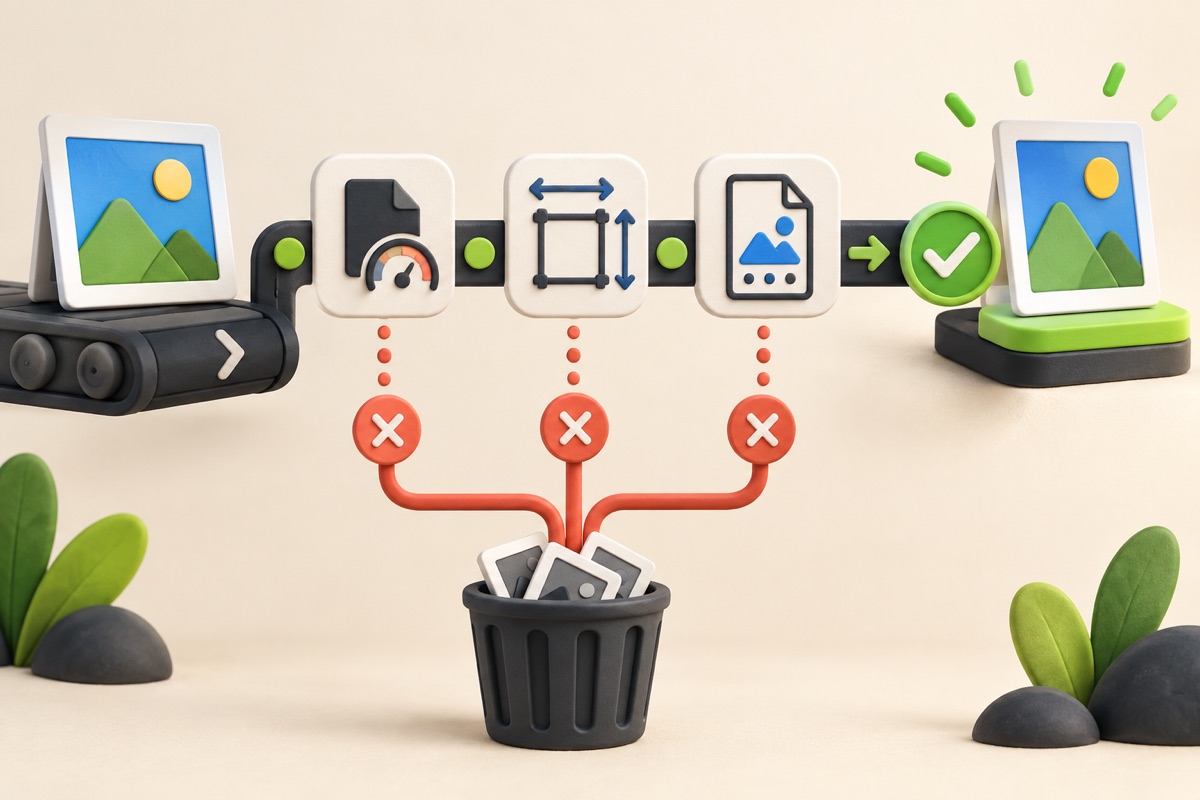
How to Prepare a Photo and Signature Application Pack
Process a photograph and signature together, then download clearly named files in one ZIP.

Preparing both upload files in one session reduces mix-ups between originals and processed copies. The UtilityHub pack creates clearly named outputs while leaving the source files unchanged.
UtilityHub completes this job inside your browser. Your source file is not uploaded to UtilityHub, and the downloaded result is a separate file.
How to do it
- Select the original application photo and signature.
- Choose the general or UPSC starting preset.
- Process both images and review their output sizes.
- Download the ZIP, open it, and inspect each file before submission.
Check the result before uploading
- The photo and signature are not swapped.
- Both images are clear and correctly oriented.
- Each file meets the current portal dimensions, format, and KB range.
Common problem and fix
A preset cannot cover every recruitment portal. If either file misses the current requirement, use the dedicated photo or signature tool with the exact dimensions and limit from the notice.
Keep the original file
Download the processed file with a clear name, but keep the original in a separate folder. If an application portal changes its dimensions, format, page order, or file-size limit, you can create another version without starting from a lower-quality copy.
Requirements can change
UtilityHub helps prepare files; it does not set the rules of a recruitment board, passport authority, school, employer, or other destination. Always compare the downloaded file with the latest instructions shown on the official portal before final submission.
Frequently asked questions
What is inside the ZIP?
It contains the processed photo and signature as separately named image files.
Does the preset guarantee acceptance?
No. Acceptance depends on the destination portal and its current rules.
Most relevant guides
Selected by shared topic, search intent and connected tools.