How to Resize a Signature for an Online Form
Prepare a clean signature with the pixel dimensions, JPG format, and KB limit requested by a portal.
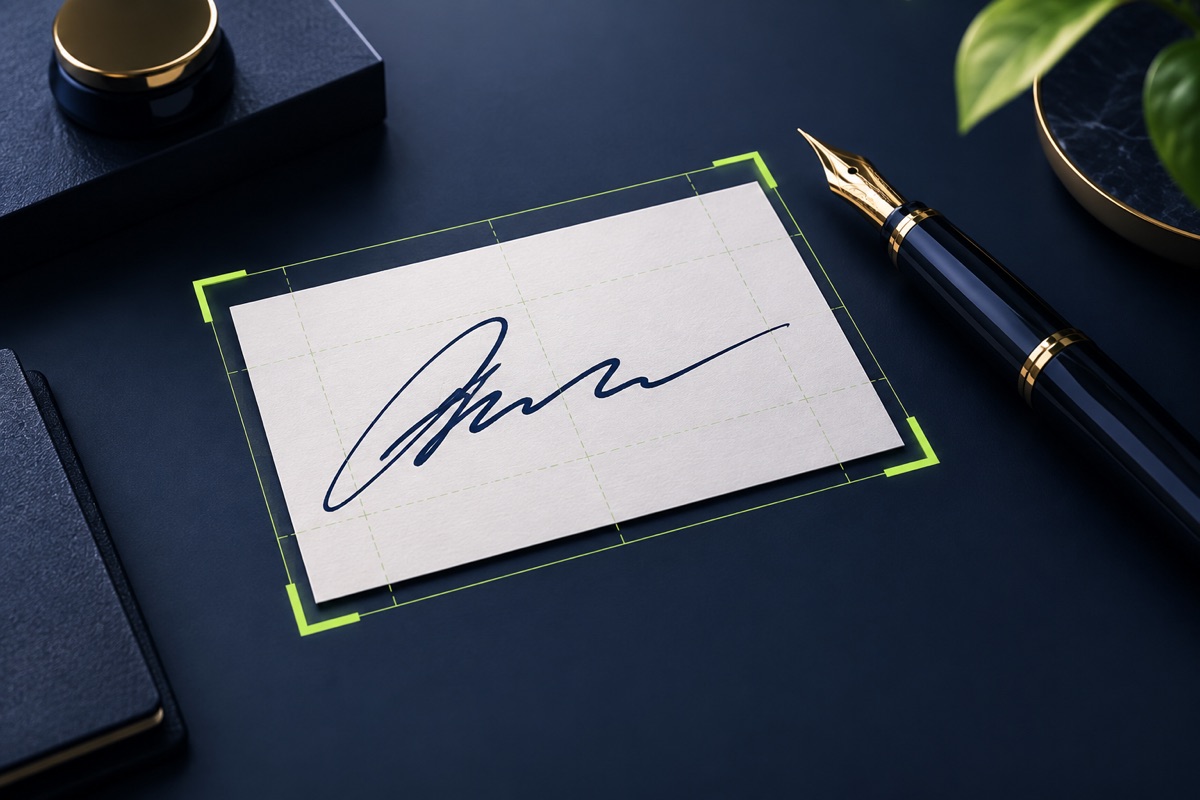
A signature upload can fail because of dimensions, file size, background, or format. Start with a dark signature on clean white paper and use the latest numbers displayed by the application portal.
UtilityHub completes this job inside your browser. Your source file is not uploaded to UtilityHub, and the downloaded result is a separate file.
How to do it
- Photograph or scan the signature with even light.
- Crop close enough to remove unused paper while leaving a small margin.
- Enter the required width, height, and maximum KB value.
- Download the JPG and inspect the full signature.
Check the result before uploading
- No stroke is cut off at an edge.
- The signature is dark and the background is clean.
- Dimensions, format, and file size all match the current notice.
Common problem and fix
A grey or uneven background often comes from shadows on paper. Retake the photo near a bright window without direct glare, then crop and resize the cleaner source.
Keep the original file
Download the processed file with a clear name, but keep the original in a separate folder. If an application portal changes its dimensions, format, page order, or file-size limit, you can create another version without starting from a lower-quality copy.
Requirements can change
UtilityHub helps prepare files; it does not set the rules of a recruitment board, passport authority, school, employer, or other destination. Always compare the downloaded file with the latest instructions shown on the official portal before final submission.
Frequently asked questions
Should a signature be JPG or PNG?
Use the format required by the form. JPG is common for application portals and usually produces a smaller file.
Can I use the UPSC preset for every form?
No. Presets are starting points; the current portal instructions always take priority.
Most relevant guides
Selected by shared topic, search intent and connected tools.