What should a client portal include for a service business?
Plan a focused client portal for proposals, documents, job progress and payments without exposing the internal business workspace.
Start with the customer decisions the portal must support
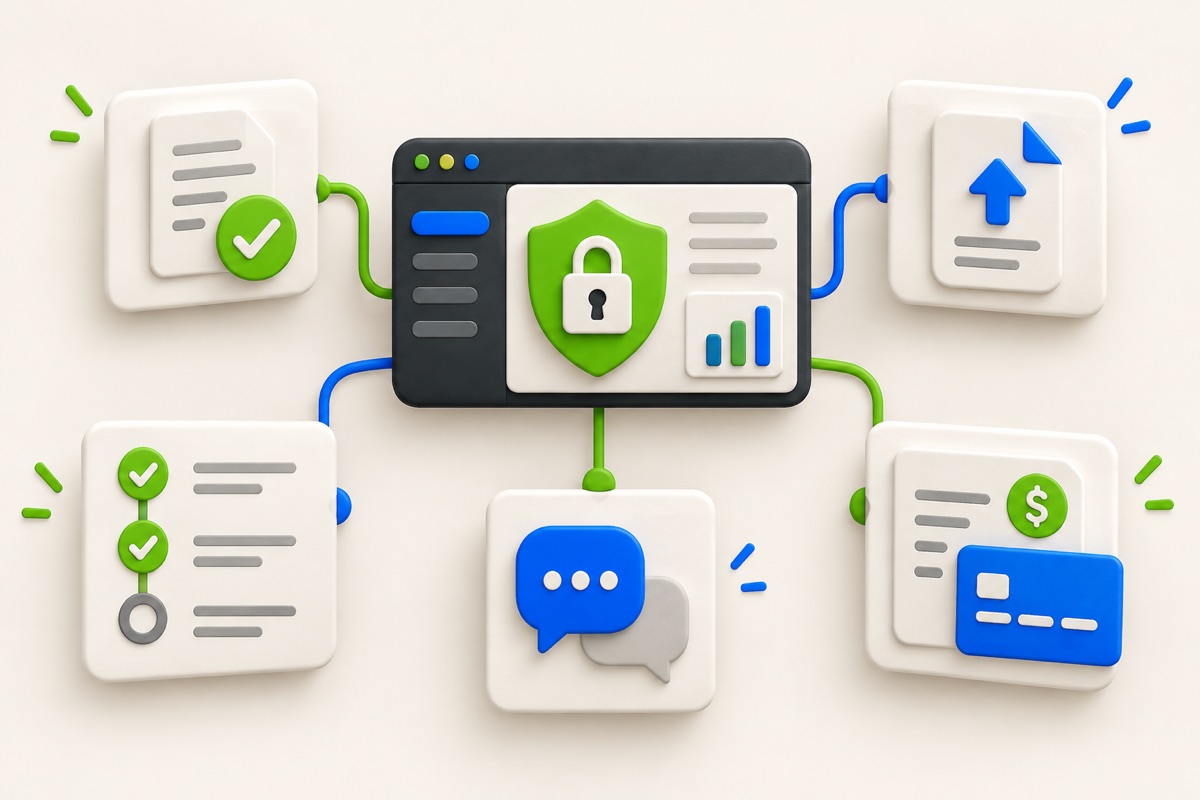
A client portal is not a copy of the staff dashboard. Customers need a small number of clear actions: review a proposal, approve or question it, provide a requested document, see the current job status, view an invoice and use an available payment method.
Hide internal notes, supplier prices, staff assignments and controls the customer cannot use. Showing every database field creates uncertainty and can expose information that belongs only to the business team.
Make status and next action visible together
“In progress” is less useful than “Site visit completed; installation date awaits confirmation.” Pair the status with one responsible party and one next action. If nothing is required from the customer, say so.
For a quotation, show the version, total, scope summary, expiry and approval state. For an invoice, show the amount, due date, verified payments and remaining balance. A payment button should appear only when a real payment route is configured.
- Customer identity and business contact route.
- Current proposal or accepted quotation.
- Secure document request and upload status.
- Job milestone with the next expected update.
- Invoice, verified payment records and balance.
- Activity history for customer-visible actions.
Design for exceptions, not only the happy path
Explain what happens when an upload fails, a proposal expires or payment is declined. Preserve completed form data when possible and provide a way to retry without creating duplicate records. A customer should not need to guess whether an action succeeded.
Use accessible labels, visible keyboard focus and plain error messages. Time-limited links should explain expiry and provide a safe recovery route. Do not reveal whether another person has an account when showing authentication errors.
Keep portal permissions narrower than staff permissions
The client portal should expose only records assigned to that customer and organization. Staff roles control internal work; customer access is a separate boundary. Test direct URLs as well as navigation because hiding a menu item does not secure a record.
UtilityHub Business connects customer approval, documents, job tracking and invoice access to the selected workspace. Review the current plan, security details and payment configuration before inviting a real customer.
Most relevant guides
Selected by shared topic, search intent and connected tools.