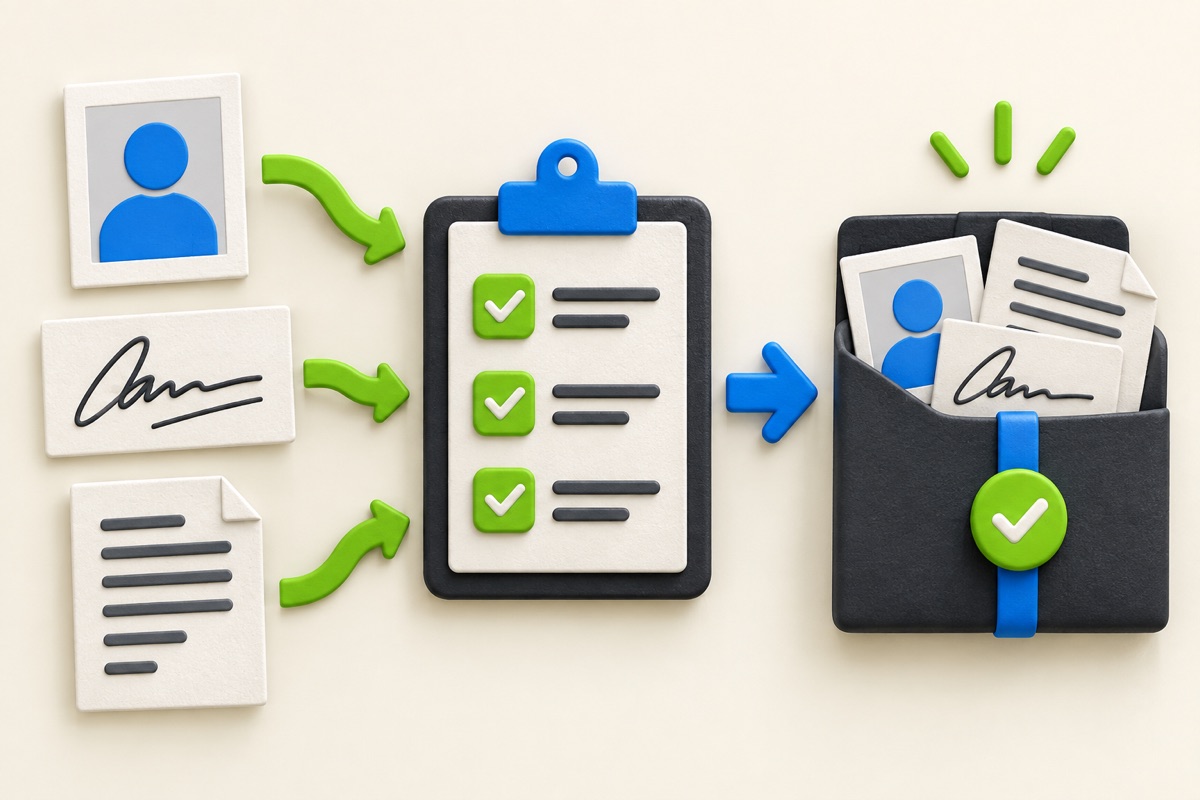
From proposal to signed agreement: a practical e-sign workflow
Design a proposal approval flow with identity context, a visible audit trail and secure storage for the final signed document.
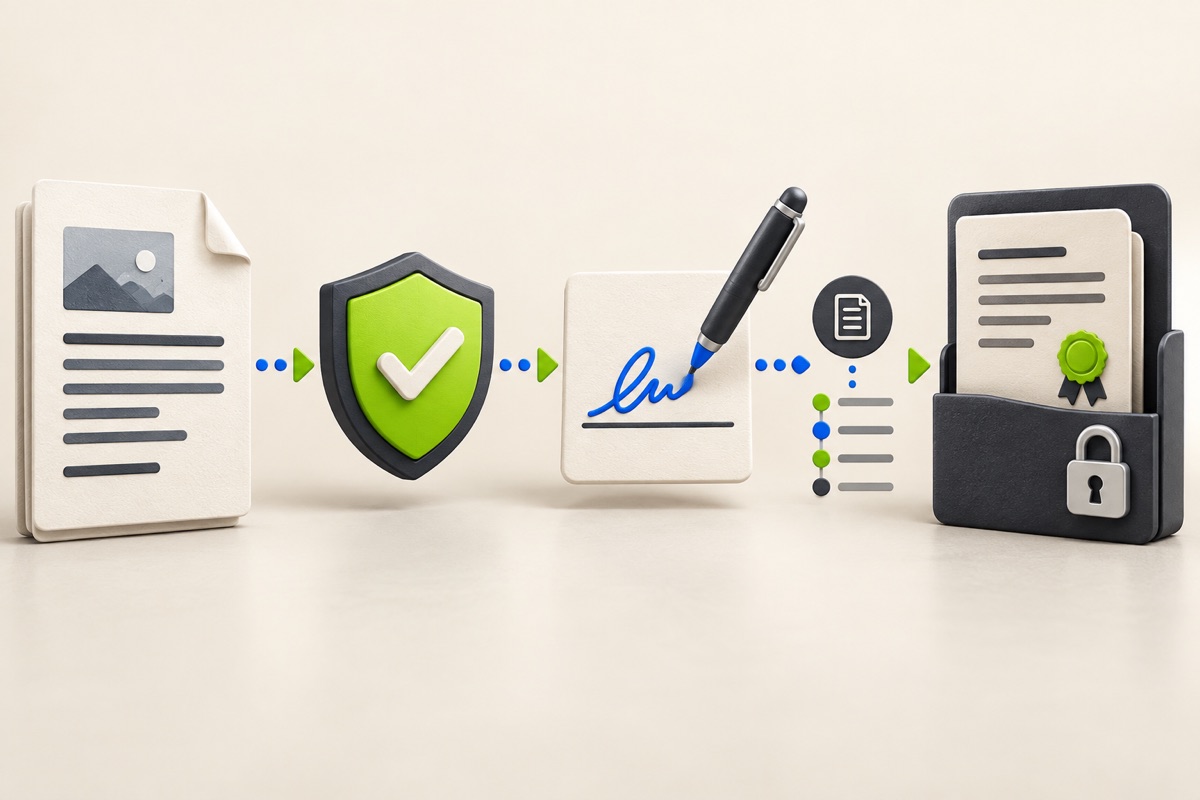
Freeze the version before asking for a signature
A signer should know exactly which proposal they are accepting. Assign a version, keep the scope and total visible and stop silent edits after the request is sent. If the proposal changes, create a revision and request approval again.
A signature image pasted into a file is not a complete workflow. The surrounding evidence matters: who received the request, which document version was presented, what action they took and when the final file was stored.
Separate review, acceptance and execution
First let the customer review the proposal and ask questions. Next capture an explicit approval action with any required acknowledgement. Then generate or store the signed version and make it available to the authorised parties. A loading spinner or email alone should never be interpreted as acceptance.
If identity assurance is important, choose a method appropriate to the risk and jurisdiction. Email possession may be enough for one low-risk approval and insufficient for another agreement. UtilityHub cannot determine legal enforceability for the parties.
- Document title, version and unique reference.
- Signer name and contact route.
- Scope, price, terms and attachments presented for review.
- Explicit acceptance action and timestamp.
- Audit events that cannot be edited through ordinary UI.
- Final signed file with controlled access and retention.
Provide recovery and refusal paths
A signer may open the wrong link, encounter an expired request or disagree with a clause. Explain the problem without exposing another customer record. Offer a safe way to request a corrected document rather than pushing the signer back to the beginning.
Record decline and revision requests separately from technical failures. A failed upload or expired session is not a rejection. The internal owner should see which follow-up is needed without guessing from a generic “not signed” label.
Store the decision beside the customer workflow
Connect the accepted proposal to the customer, order and job that follow. Preserve the approval record even if the commercial document is later superseded. Access should be limited by organization, product entitlement and role.
UtilityHub Business provides contract and quotation workflow surfaces according to the activated plan. Before relying on them for a real agreement, test permissions, exports, retention and the complete customer journey for your business and jurisdiction.
Most relevant guides
Selected by shared topic, search intent and connected tools.