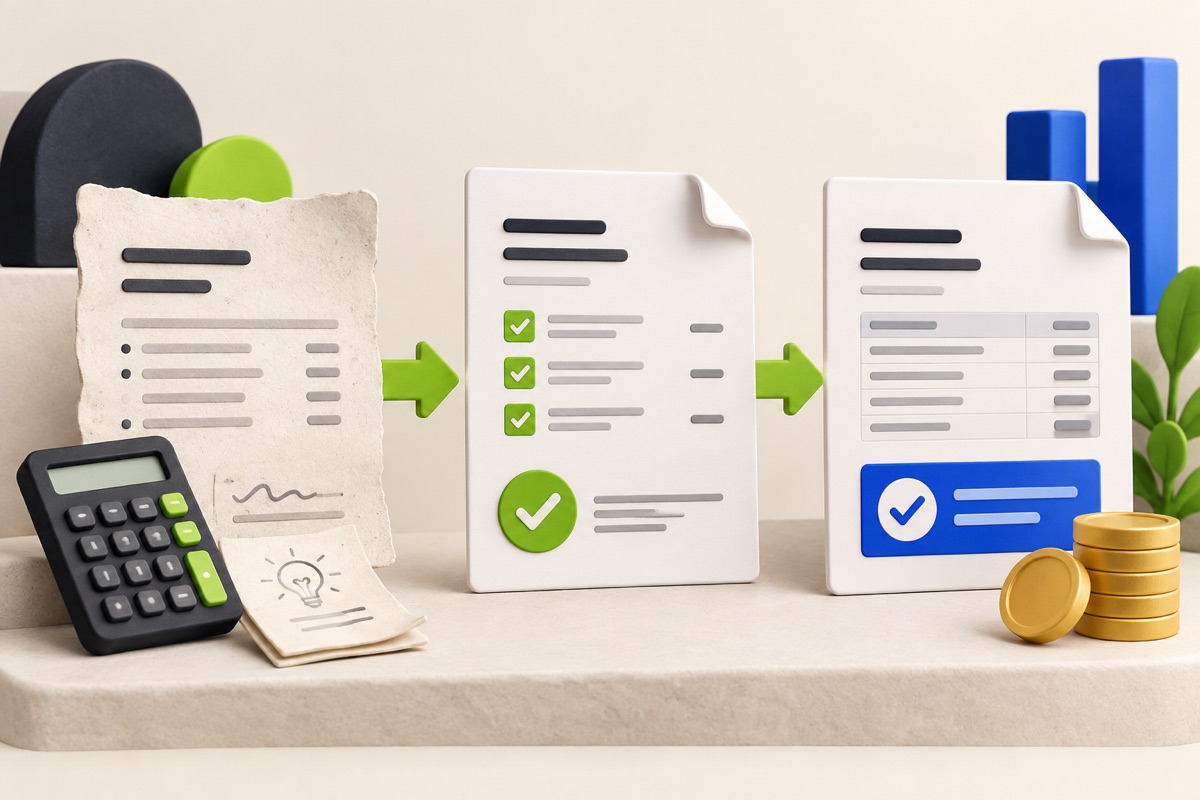
How to write a service quotation your customer can check
Build an itemised quotation, make the scope clear and check the document before sharing it with a customer.

Start with the job, not the total
A quotation is easier to assess when the customer can see what they are buying. Before entering a price, write down the requested outcome, the location and the work included. Separate an optional extra from the base job so the customer can make a clear choice.
For example, “room painting” leaves questions unanswered. A useful scope might identify two rooms, surface preparation, two coats, the selected finish and whether moving furniture is included. This is an illustrative scope, not a technical specification or a standard contract.
Turn the scope into line items
Suppose a fictional maintenance job includes three labour hours at $40 per hour and $80 of materials. The subtotal is $200 before any applicable tax or other agreed charges. Use one currency throughout. If travel or disposal is extra, show it explicitly rather than hiding it in a later invoice.
Write quantities and units consistently. A price per visit is different from a price per hour. State which assumptions could change the price and how you will agree changes with the customer.
- Confirm customer and business details.
- Use a unique quote reference and an issue date.
- Describe each item, quantity, unit price and subtotal.
- State exclusions, validity and proposed payment terms.
- Check the applicable tax treatment with a qualified adviser.
Prepare and export the document
Open the free Quotation Maker, enter the details and line items, and use notes for the agreed scope and exclusions. Preview the document, then download HTML or use Print / Save as PDF. Reopen the saved file before sending it; a correct screen preview does not check the final attachment for you.
The free generator keeps form entries in the current page session. It does not send the quotation or create a saved Business record. Keep your own copy before closing the tab.
After the customer responds
Keep a record of the accepted version and any changes. Do not silently replace an earlier document with a different scope or price. When the job moves ahead, prepare the appropriate work order and invoice using the confirmed details.
For repeat work, create the corresponding record in UtilityHub Business and manage the customer workflow there. Free-document downloads are not imported automatically. Acceptance and contract requirements differ by jurisdiction; this guide is about clear documentation, not legal advice.
Sources and scope
business.gov.au: Prepare quotes — General quotation structure. Australian legal and tax requirements are not global rules.
Most relevant guides
Selected by shared topic, search intent and connected tools.