Estimate vs quotation vs invoice: which document comes next?
Understand when to send an estimate, quotation or invoice, what changes between them and how to keep the customer journey consistent.
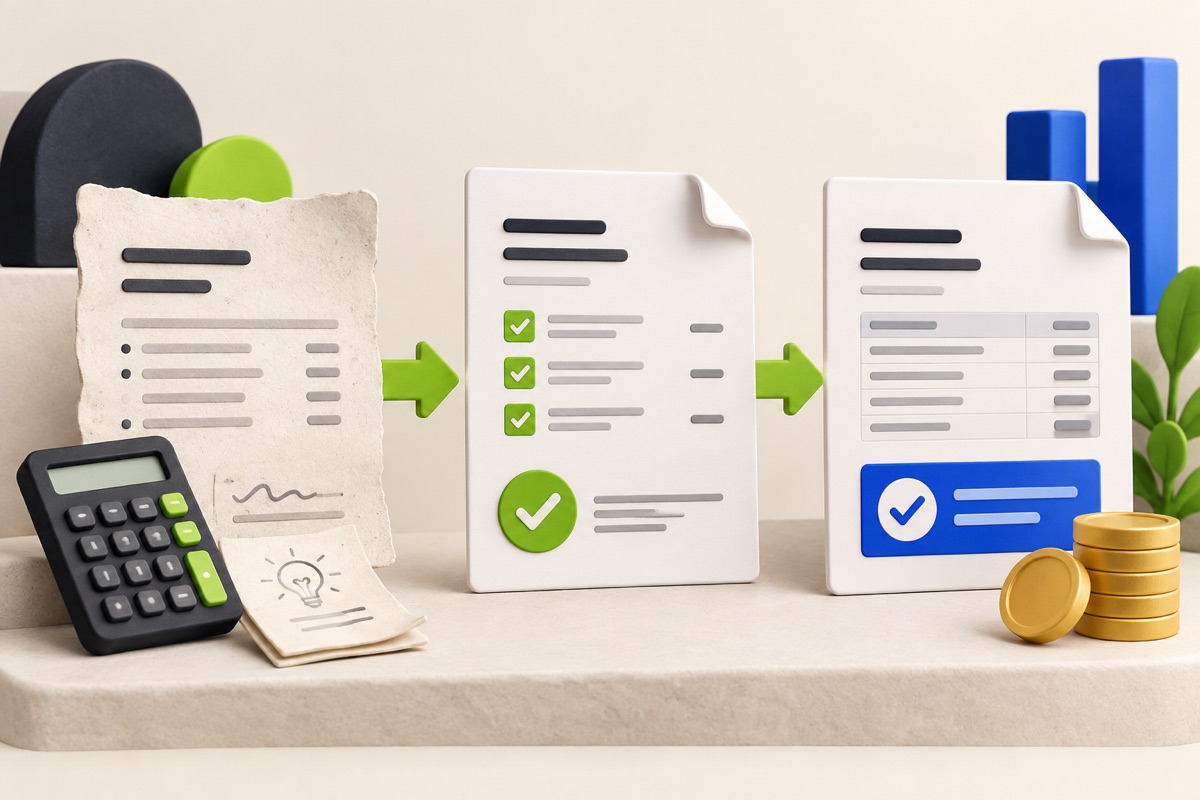
Use each document for a different decision
An estimate helps a customer understand a likely price before every detail is confirmed. A quotation presents a defined scope and price for the customer to review. An invoice requests payment for work or goods already supplied under the agreed terms. Calling all three documents an invoice makes the customer journey harder to follow.
The exact legal effect of a document depends on its wording and jurisdiction. UtilityHub helps structure the workflow; it does not decide when an estimate becomes binding or replace professional legal and tax advice.
Follow one worked service example
A fictional repair business first estimates $450 to $550 because the site condition is unknown. After inspection, it issues a quotation for $500 covering four labour hours, materials and one visit. The customer approves that version. When the work is complete, the business issues a $500 invoice using the same scope and reference.
If the customer later requests an additional $80 item, record the change before invoicing it. Do not silently turn a $500 accepted quotation into a $580 invoice. A revised quotation, approved variation or other documented change keeps the reason visible.
- Estimate: state assumptions and explain that the figure may change.
- Quotation: define scope, exclusions, price, validity and payment terms.
- Approval: preserve the version the customer accepted.
- Invoice: reference the agreed work and show the amount due.
- Receipt: issue only after verifying that payment was received.
Keep references and totals connected
Use a consistent customer name, project reference and currency across the sequence. Line items can be carried forward, but check quantities, tax inputs and payment terms at every stage. A copied mistake becomes harder to find when it appears in three documents.
The free Quotation Maker and Invoice Generator create separate downloadable documents. They do not automatically link records, collect payment or confirm acceptance. Preview the export and keep your own copy before closing the browser tab.
Move repeat work into one workspace
When the same team prepares quotes, schedules jobs and follows up invoices, use a shared workflow rather than isolated downloads. UtilityHub Business can keep the customer, accepted quote, order, job proof and invoice in one journey according to the workspace access and plan you activate.
Start with a document only when that is all you need. Move into a workspace when you need ownership, history, reminders or a reliable handoff between people. The goal is not more paperwork; it is a clear answer to what was proposed, approved, completed and paid.
Most relevant guides
Selected by shared topic, search intent and connected tools.