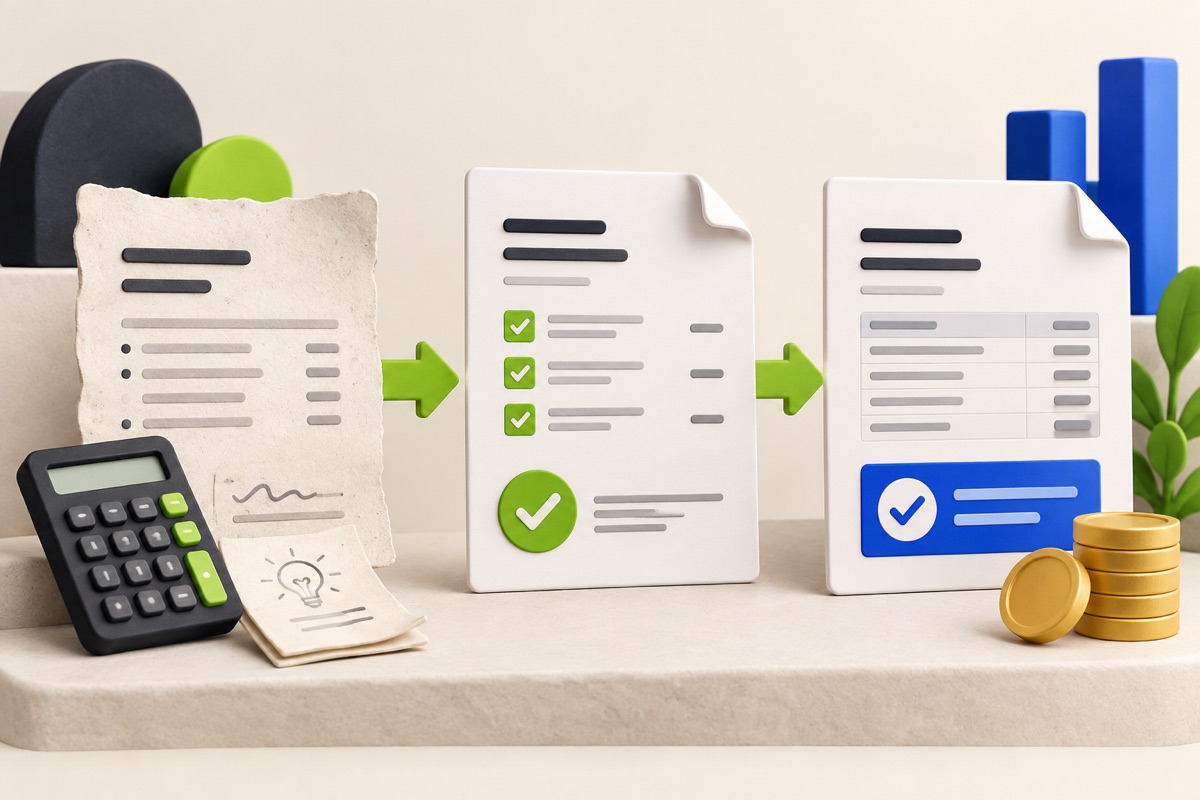
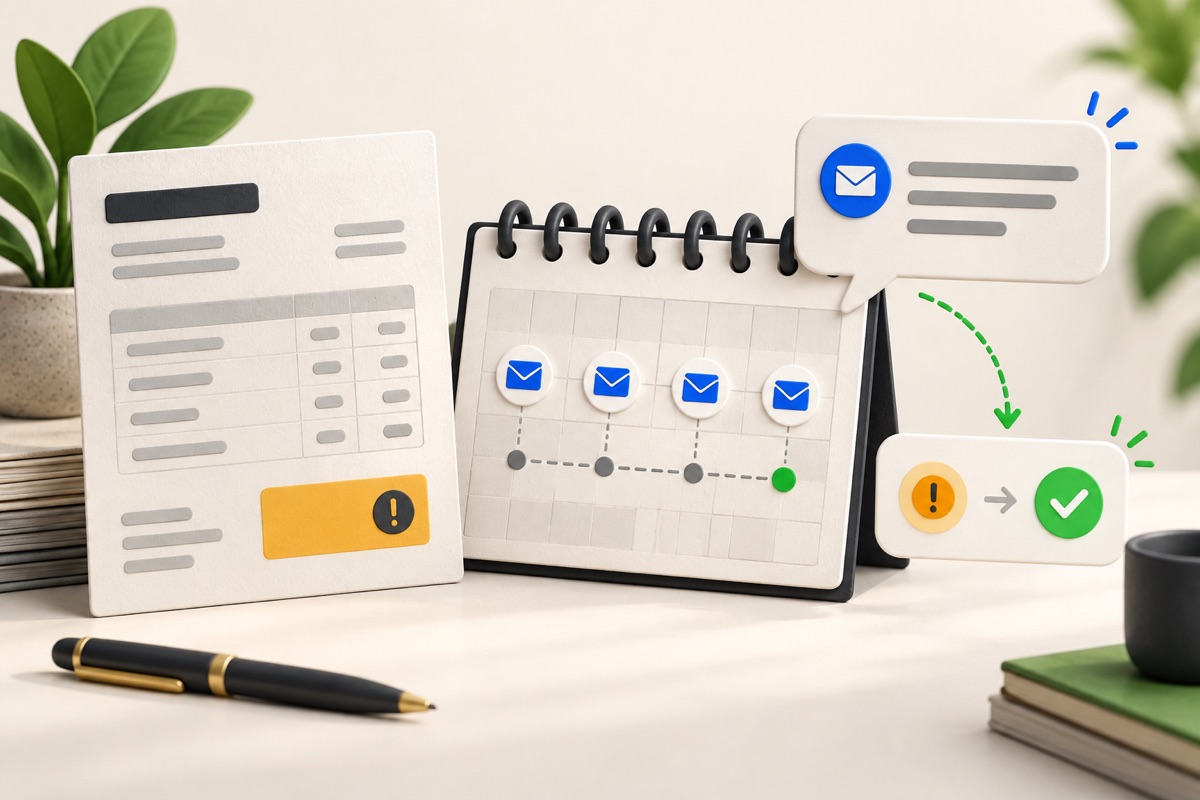
Invoice, partial payment and receipt: keep three different records
Use a simple worked example to separate an amount billed, money received and the balance still outstanding.
A document is not evidence that money arrived
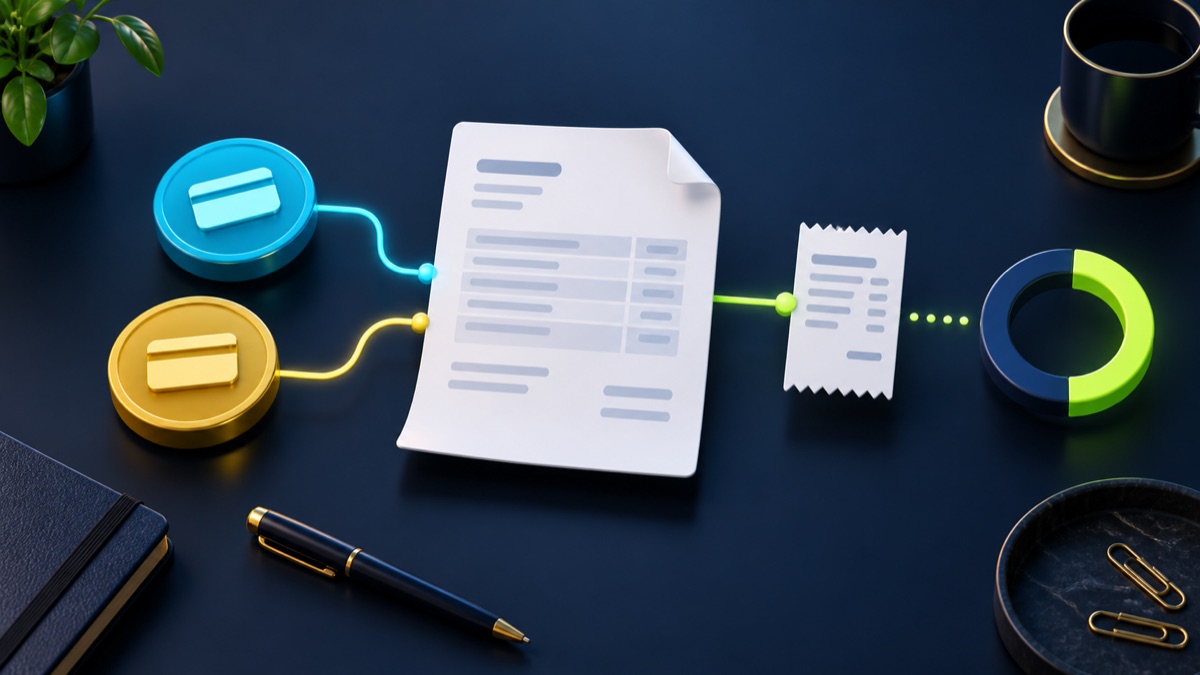
An invoice requests payment for the amount described. A payment receipt records money you have verified as received. Generating either document does not move money, connect a bank account or verify a card or UPI transaction.
Keep the invoice reference with every payment record so a part payment does not look like a second sale. A proforma document is a preliminary commercial document; do not use it as a substitute for the final records required in your jurisdiction.
Work through a partial payment
Consider an illustrative invoice total of $600 with no tax or fees in the example. A verified payment of $200 leaves $400 outstanding. If a second verified payment of $150 arrives, the total received becomes $350 and the balance becomes $250.
Check the actual bank or processor record before creating a receipt. A customer screenshot or transaction reference on its own is not the same as reconciliation. If a payment is reversed, reconcile the ledger instead of treating an old receipt as proof the balance is settled.
- Invoice total: $600.
- First verified payment: $200.
- Second verified payment: $150.
- Outstanding balance: $600 − $200 − $150 = $250.
- Retain dates and references for both payments.
Use the free generators deliberately
The Invoice Generator can prepare a downloadable document with customer details, line items and notes. Preview it and check the reference, currency, quantities and total. Tax rates are inputs you choose; the tool does not decide which rules apply.
Use the Payment Receipt Generator only after verifying receipt of the money. Describe the part payment and the related invoice in the available fields or notes. These browser tools are separate document editors, not a linked accounting ledger. They do not automatically reduce an earlier invoice balance.
Move repeated payment tracking into a workspace
When you have several customers or part payments, create the corresponding invoice in the Business workspace and use its payment records consistently. Do not keep conflicting totals across a spreadsheet, a downloaded document and a business record without reconciliation.
Payment access depends on the configuration of the business. A generated invoice or a payment link does not mean global automatic settlement is enabled. Confirm the actual payment method and keep receipts separate from promises to pay.
Most relevant guides
Selected by shared topic, search intent and connected tools.