How to Compress an Image to 20KB Online
Prepare a very small image for strict online-form limits and check that important details remain readable.

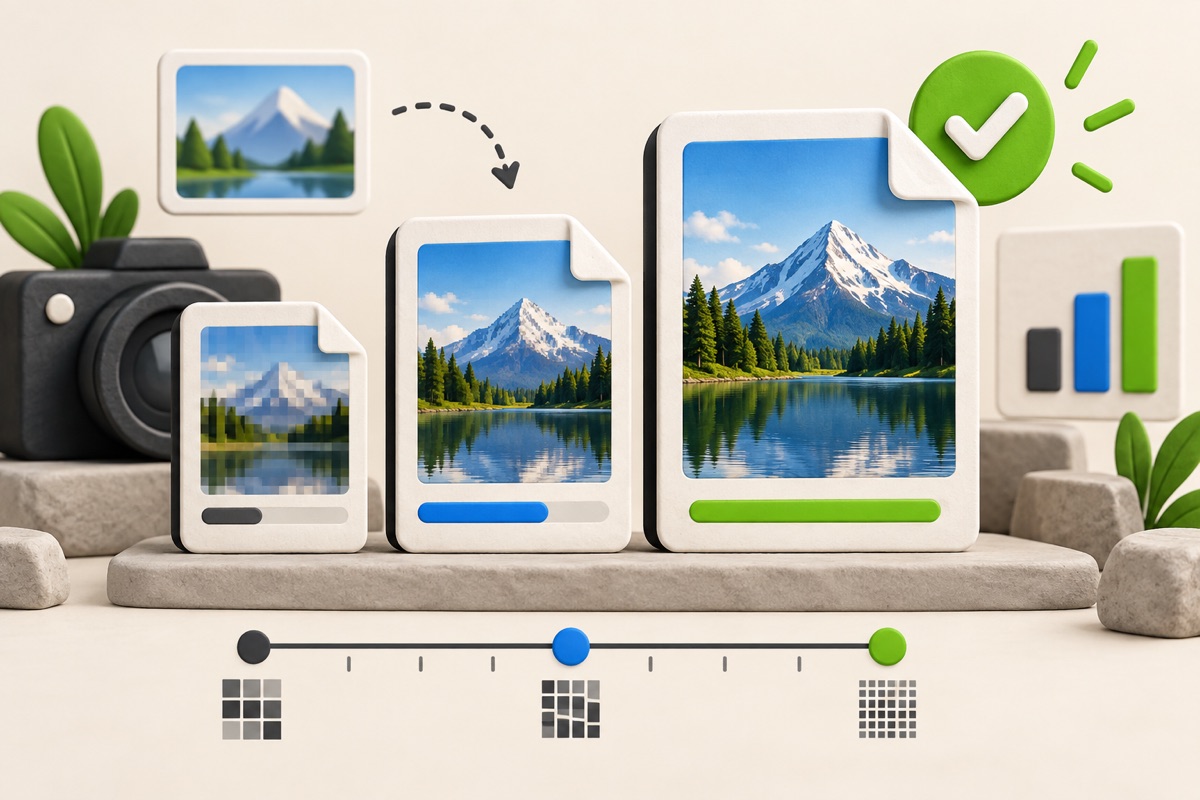
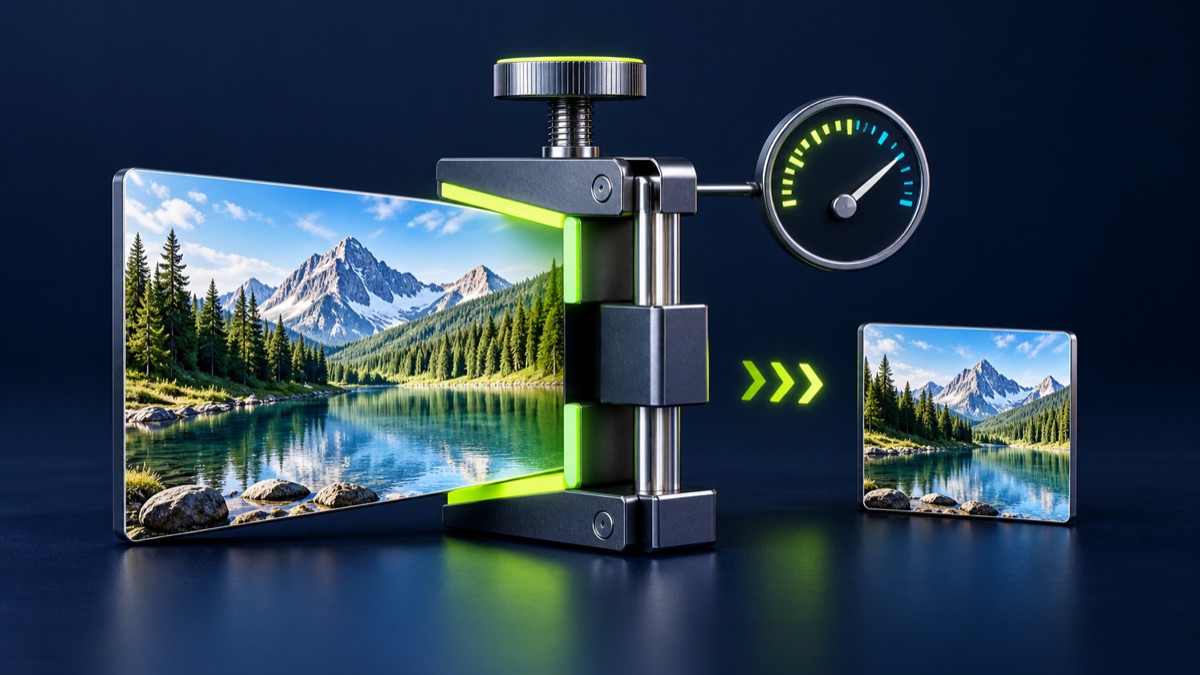
A 20KB limit is restrictive, especially for camera photos. The best result normally comes from cropping first, using JPG, and keeping only the dimensions the form actually needs.
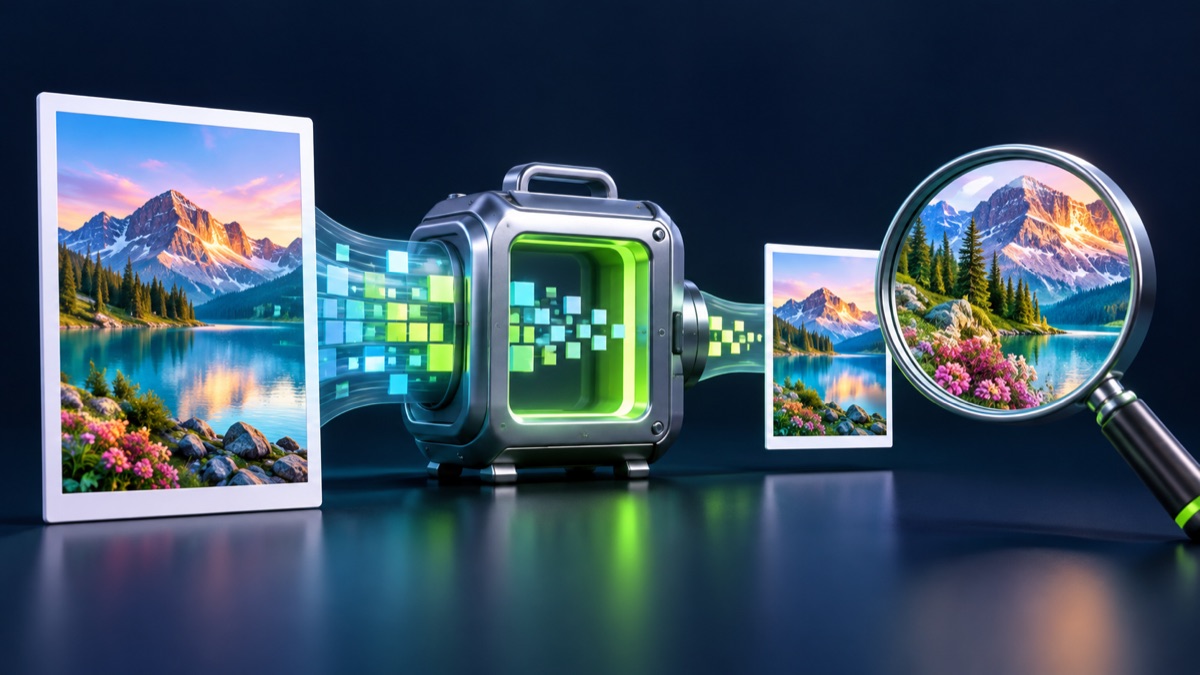
UtilityHub completes this job inside your browser. Your source file is not uploaded to UtilityHub, and the downloaded result is a separate file.
How to do it
- Choose the dedicated 20KB compressor.
- Open a clear image with unnecessary borders already removed.
- Compress it and review the resulting dimensions and file size.
- Download only after checking the important details at full size.
Check the result before uploading
- The output does not exceed 20KB.
- The face or signature is still identifiable.
- The JPG format is accepted by the destination portal.
Common problem and fix
If the result is too blurry, return to the original, crop more tightly, and reduce dimensions before compression. Recompressing an already compressed file usually loses more detail.
Keep the original file
Download the processed file with a clear name, but keep the original in a separate folder. If an application portal changes its dimensions, format, page order, or file-size limit, you can create another version without starting from a lower-quality copy.
Requirements can change
UtilityHub helps prepare files; it does not set the rules of a recruitment board, passport authority, school, employer, or other destination. Always compare the downloaded file with the latest instructions shown on the official portal before final submission.
Frequently asked questions
Why does a 20KB photo lose detail?
Twenty kilobytes leaves very little room for image data, so fewer pixels and stronger JPG compression may be necessary.
Should I compress a PNG to 20KB?
For ordinary photographs, converting to JPG is usually more size-efficient than keeping PNG.
Most relevant guides
Selected by shared topic, search intent and connected tools.