Compress an Image to 50KB Online: Format and Quality Checks
Prepare a JPG under a 50KB upload limit, check the saved file and troubleshoot format or readability problems.
Start with the actual upload instructions
A file-size limit is only one part of an upload requirement. Before changing a photo, record the destination's accepted format, maximum file size and required pixel dimensions. This guide does not define requirements for any government, examination or banking portal. Follow the instructions shown by the destination you are using.
Prepare a copy in UtilityHub
- Open the Exact KB Image Compressor from the tool link below.
- Choose a JPG, PNG or WebP smaller than 20MB. Keep your original separately.
- Set the target to 50KB and run compression.
- Inspect the result and download the generated JPG.
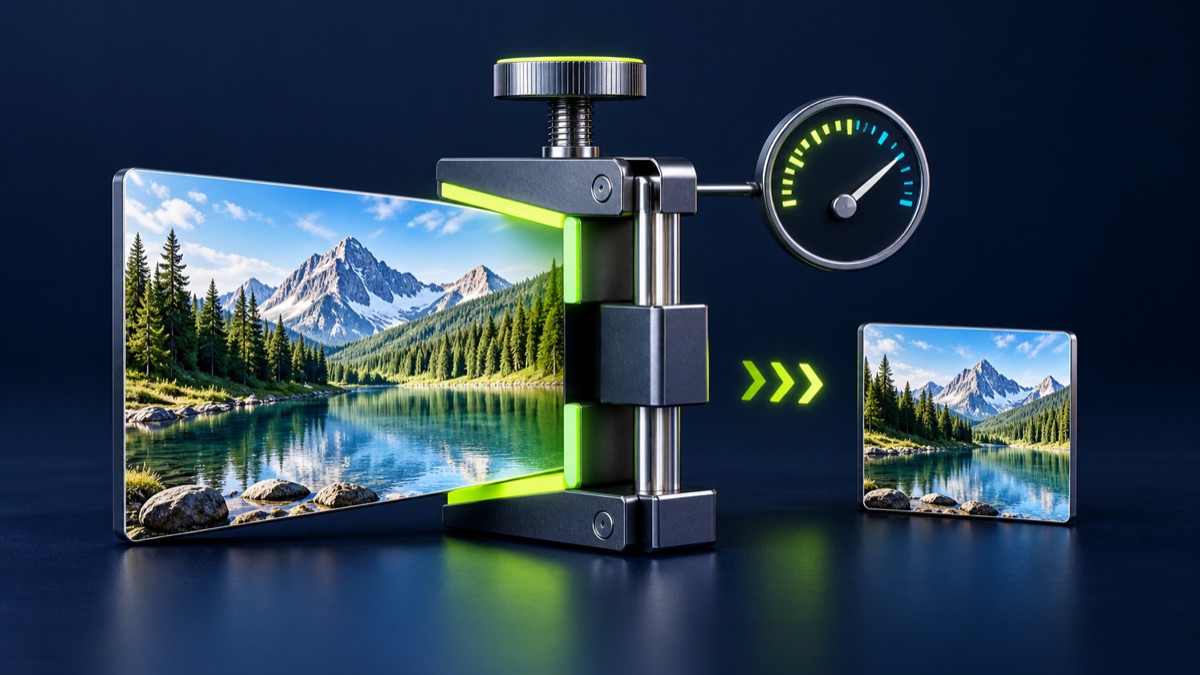
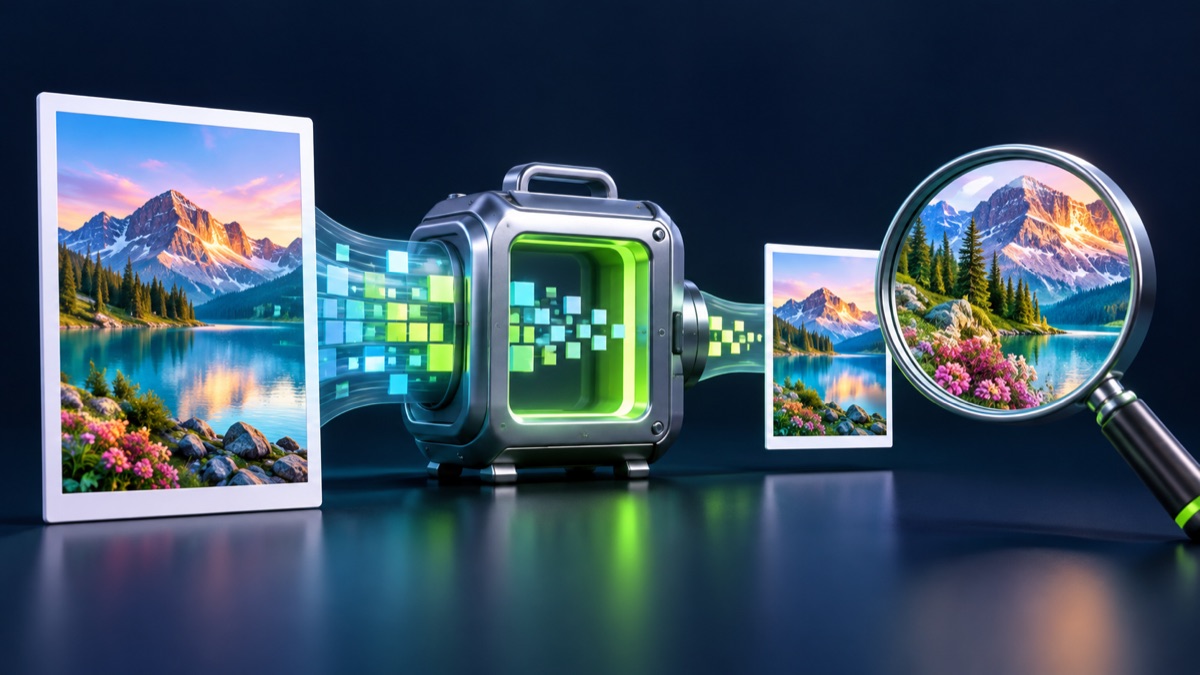
The compressor works in the browser. It adjusts JPEG quality and may reduce image dimensions when quality changes alone cannot meet the target. A target is not a promise that every input will produce a usable result. If processing fails, try a smaller source image or another supported format.
Inspect the downloaded result
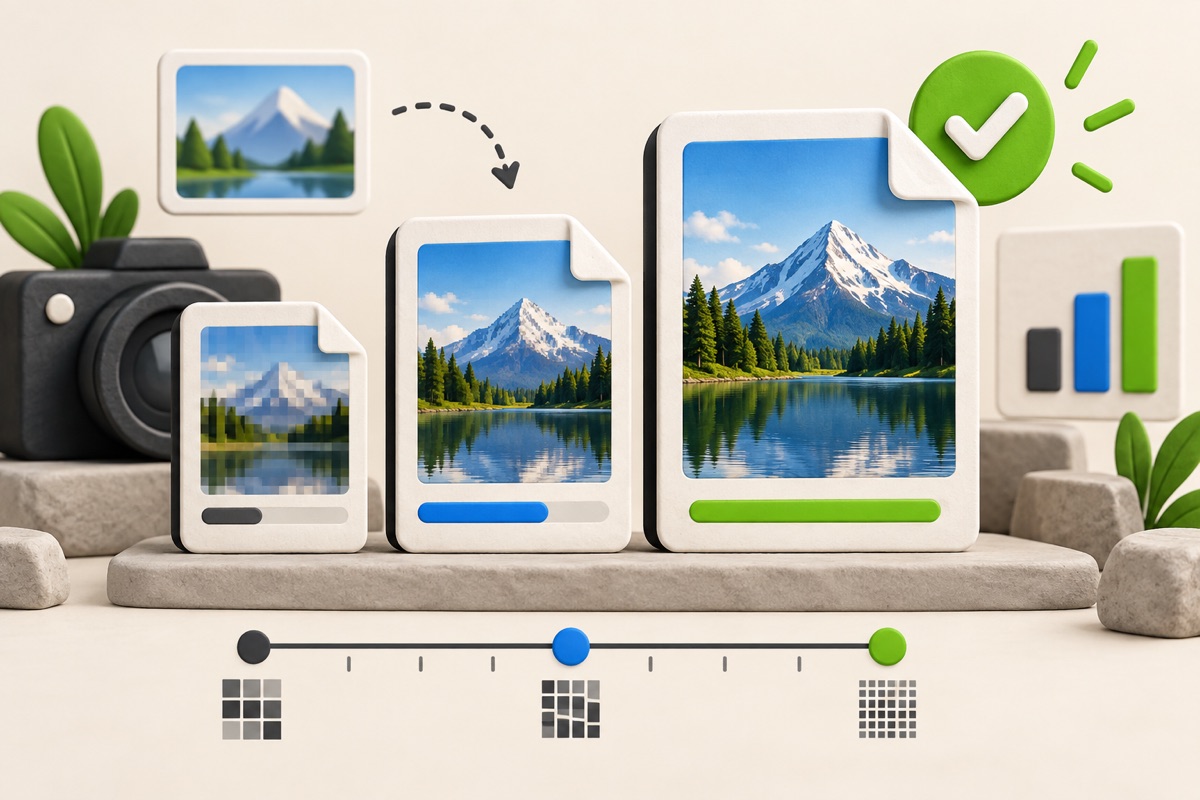
Check the downloaded file's size, dimensions and appearance—not just the preview. Look closely at faces, small text and signatures. PNG transparency is not retained in a JPEG export. If the upload instructions require PNG, a JPG result is not a suitable substitute.
For example, if your destination separately specifies a minimum width, a result under 50KB can still be unsuitable when compression has reduced the width too far. Compare both constraints before submitting. Lower file size does not establish acceptance.
When a file is rejected
Read the error message and distinguish a format problem from a size or dimensions problem. Do not repeatedly compress an already compressed copy; return to the original. HEIC is not a listed input format for this compressor. Convert it to a supported format first, then inspect the converted copy before continuing.
Keep the original
Use a descriptive filename for the download and retain the source until submission is complete. This workflow prepares an image; only the receiving service can decide whether it satisfies that service's current requirements.
Most relevant guides
Selected by shared topic, search intent and connected tools.