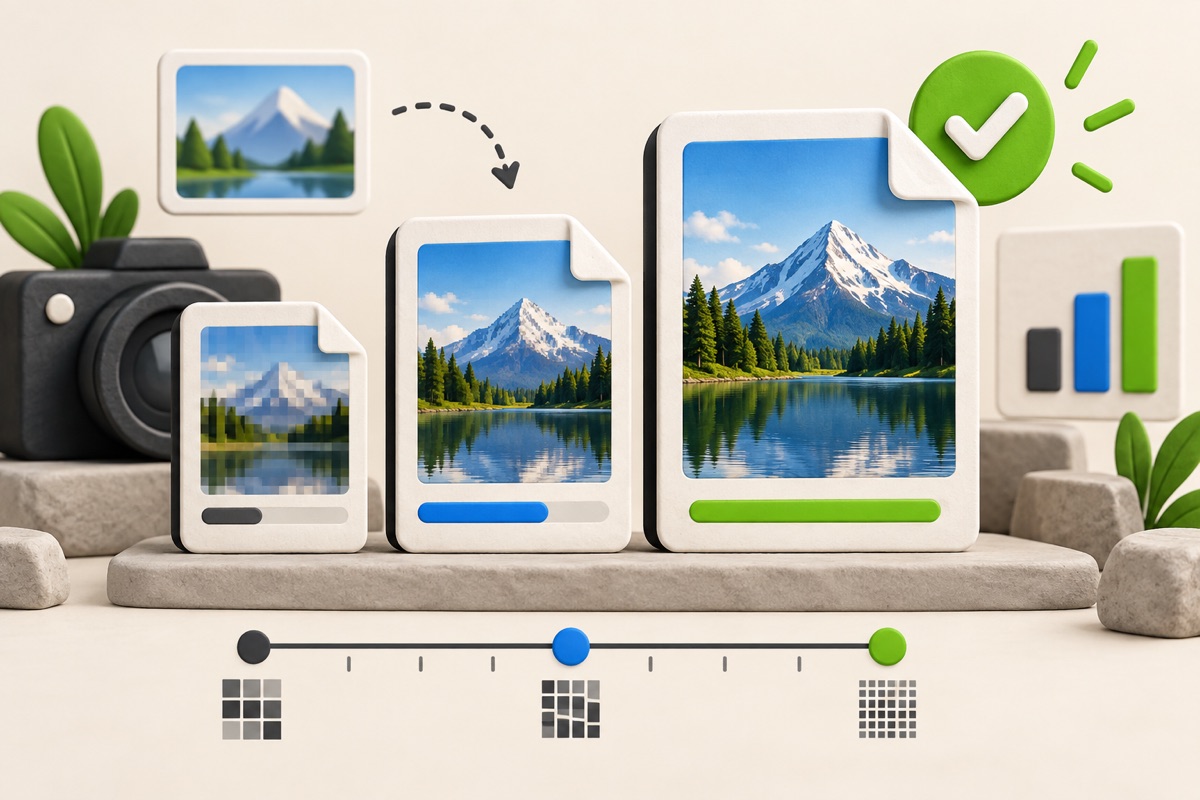
How to Compress an Image to an Exact KB Size
Reduce a photo toward a specific upload limit while preserving as much visible quality as possible.
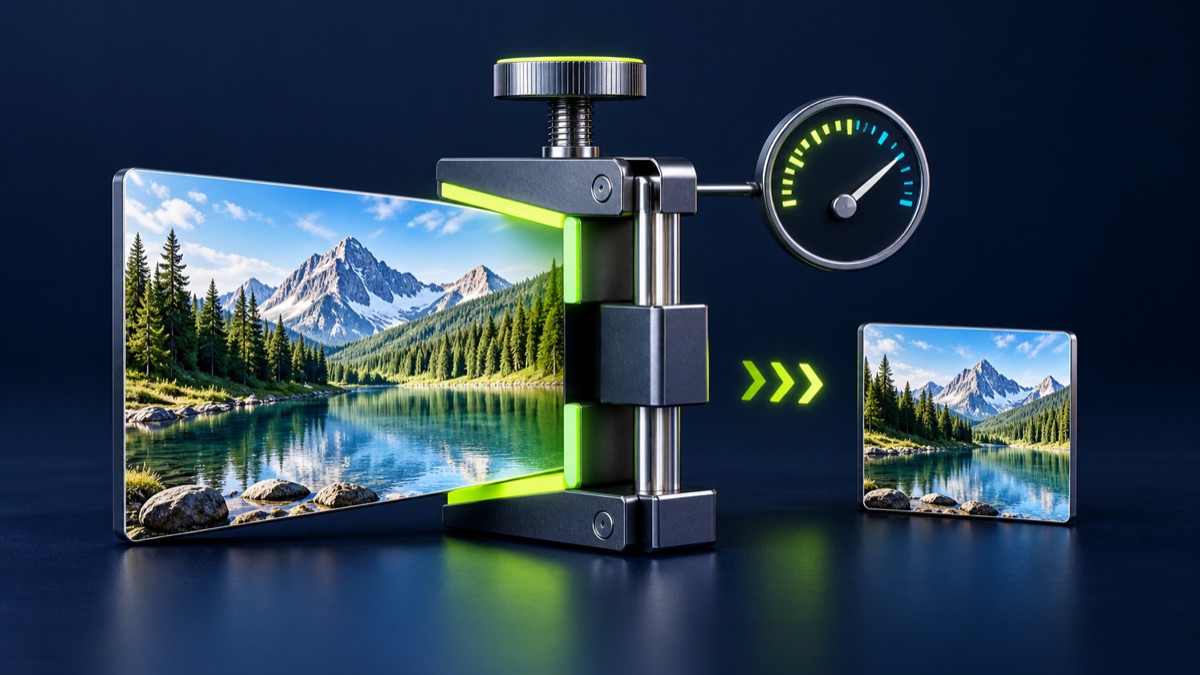
An exact-size compressor is useful when a form rejects files above a stated kilobyte limit. It adjusts image quality and, when necessary, dimensions to move the result below the selected target.
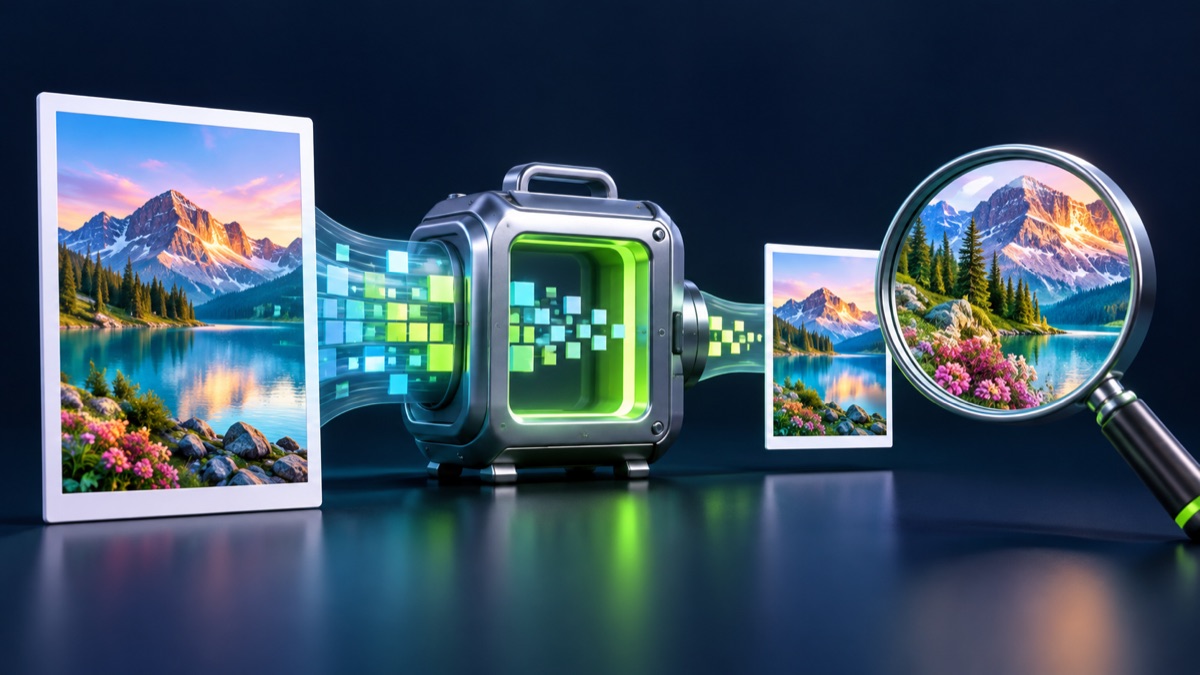
UtilityHub completes this job inside your browser. Your source file is not uploaded to UtilityHub, and the downloaded result is a separate file.
How to do it
- Open the Exact KB Image Compressor and choose a JPG, PNG, or WebP file.
- Enter the maximum size shown by the destination form.
- Run compression and compare the displayed output size with the limit.
- Preview the image at normal size, then download the result.
Check the result before uploading
- Confirm the file size is at or below the stated maximum.
- Make sure faces, text, seals, and signatures remain readable.
- Check whether the destination also requires exact pixel dimensions.
Common problem and fix
Very small targets can make a large image look soft. Crop unused background first or resize the dimensions before trying again. A clean source usually compresses better than a screenshot of a photo.
Keep the original file
Download the processed file with a clear name, but keep the original in a separate folder. If an application portal changes its dimensions, format, page order, or file-size limit, you can create another version without starting from a lower-quality copy.
Requirements can change
UtilityHub helps prepare files; it does not set the rules of a recruitment board, passport authority, school, employer, or other destination. Always compare the downloaded file with the latest instructions shown on the official portal before final submission.
Frequently asked questions
Does exact KB compression guarantee one precise number?
Image encoders work in quality steps, so the output aims to stay at or below the selected limit rather than adding unnecessary data to hit one byte-perfect number.
Which format is best for photographs?
JPG is usually the practical choice for photographs with strict file-size limits.
Most relevant guides
Selected by shared topic, search intent and connected tools.