20KB vs 50KB vs 100KB: Which Image Size Should You Use?
Choose the correct image-compression target from the destination rule instead of making a photo smaller than necessary.
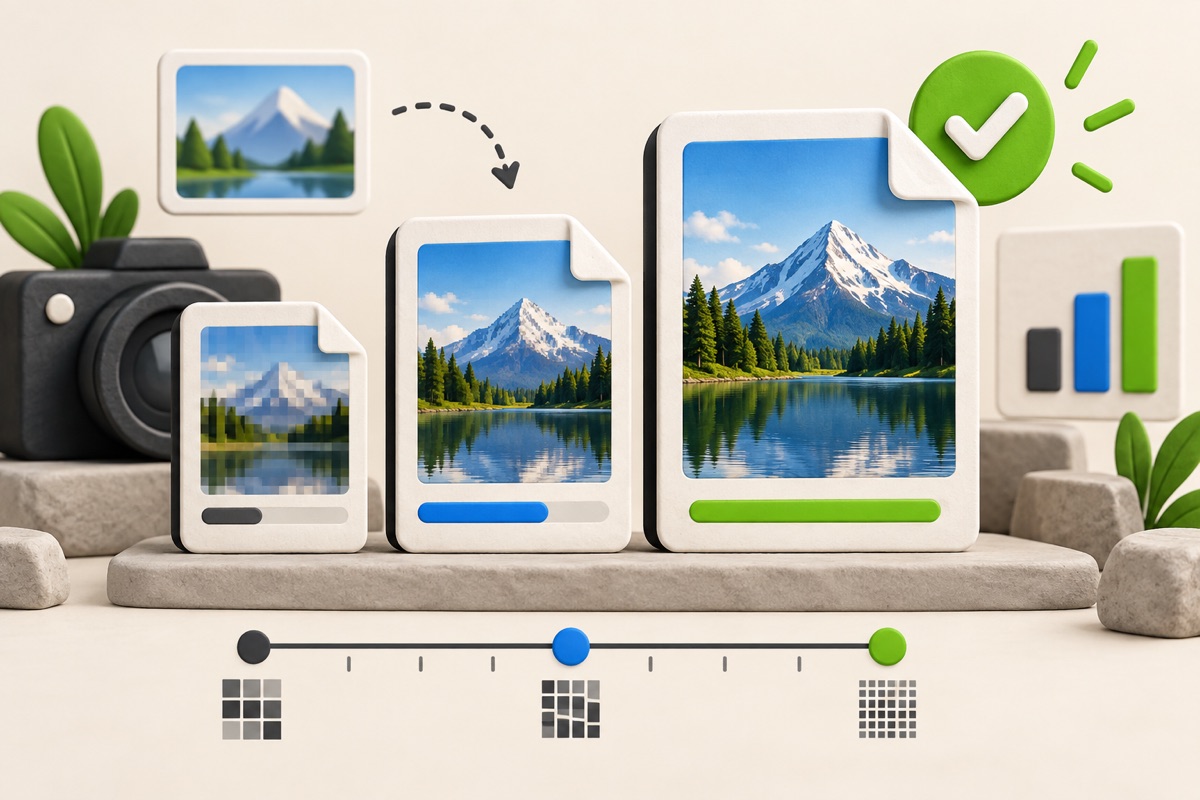
The best target is the one stated by the website receiving your image. A lower number is not automatically better: aggressive compression can remove facial detail, text and signature strokes that the destination needs to read.
UtilityHub completes this job inside your browser. Your source file is not uploaded to UtilityHub, and the downloaded result is a separate file.
How to do it
- Find whether the destination states a maximum, a range or one exact-looking example.
- Choose 20KB, 50KB or 100KB only when that number matches the current requirement.
- Start from the original photo, crop unused background and compress once.
- Compare the output size, dimensions and clarity before uploading it.
Check the result before uploading
- Use 20KB only for a strict 20KB maximum; it leaves the least room for detail.
- Use 50KB when the limit is 50KB rather than compressing unnecessarily to 20KB.
- Use 100KB when permitted to retain more useful photo detail.
- Check separate minimum-size and dimension requirements before submission.
Common problem and fix
Choosing a much smaller target than required may produce a blurry result. If the output is unclear, return to the original, crop tightly, preserve the required aspect ratio and use the highest size allowed by the destination.
Keep the original file
Download the processed file with a clear name, but keep the original in a separate folder. If an application portal changes its dimensions, format, page order, or file-size limit, you can create another version without starting from a lower-quality copy.
Requirements can change
UtilityHub helps prepare files; it does not set the rules of a recruitment board, passport authority, school, employer, or other destination. Always compare the downloaded file with the latest instructions shown on the official portal before final submission.
Frequently asked questions
Is a 20KB image better than a 50KB image?
Not by itself. A 20KB image is smaller, while a 50KB image can usually retain more detail. The receiving portal decides which limit matters.
Does a 100KB maximum require exactly 100KB?
A maximum normally permits a smaller file, but some portals also state a minimum or range. Follow the current official wording.
Most relevant guides
Selected by shared topic, search intent and connected tools.