How to Make a 35 × 45 mm Passport Photo
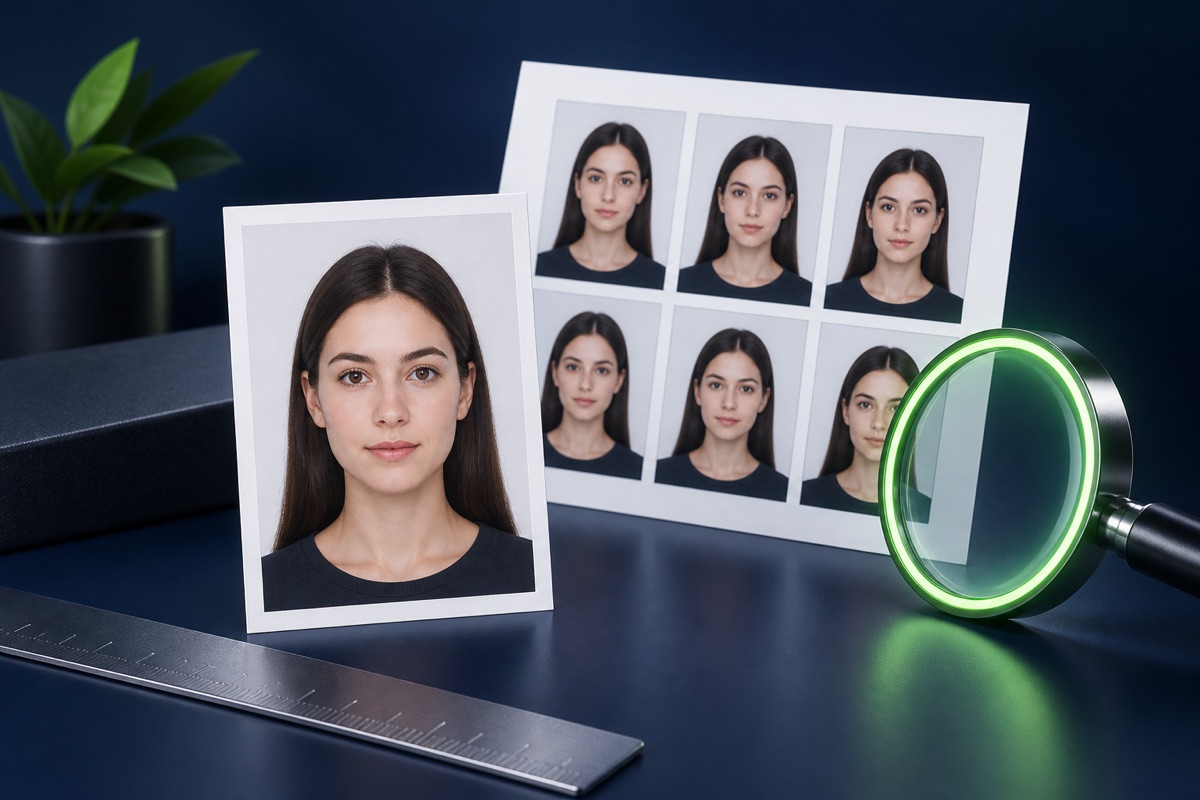
Crop and position a portrait in a common 35 × 45 mm shape and prepare a printable photo sheet.
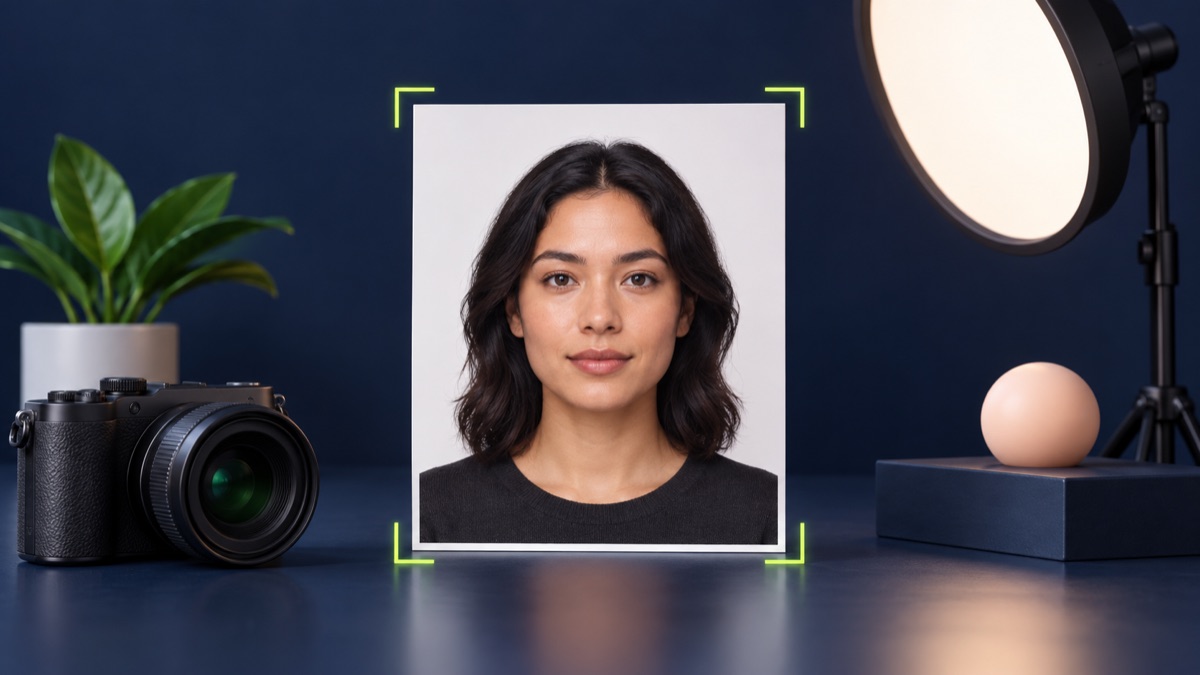
The 35 × 45 mm shape is used by many document processes, but the required background, head size, recency, and submission method can differ. Use the tool for cropping, then check the official instructions.
UtilityHub completes this job inside your browser. Your source file is not uploaded to UtilityHub, and the downloaded result is a separate file.
How to do it
- Choose a recent front-facing portrait with even light.
- Move and zoom the image so the face is centred in the crop.
- Preview the single-photo output.
- Download one image or generate the 4 × 6 print sheet.
Check the result before uploading
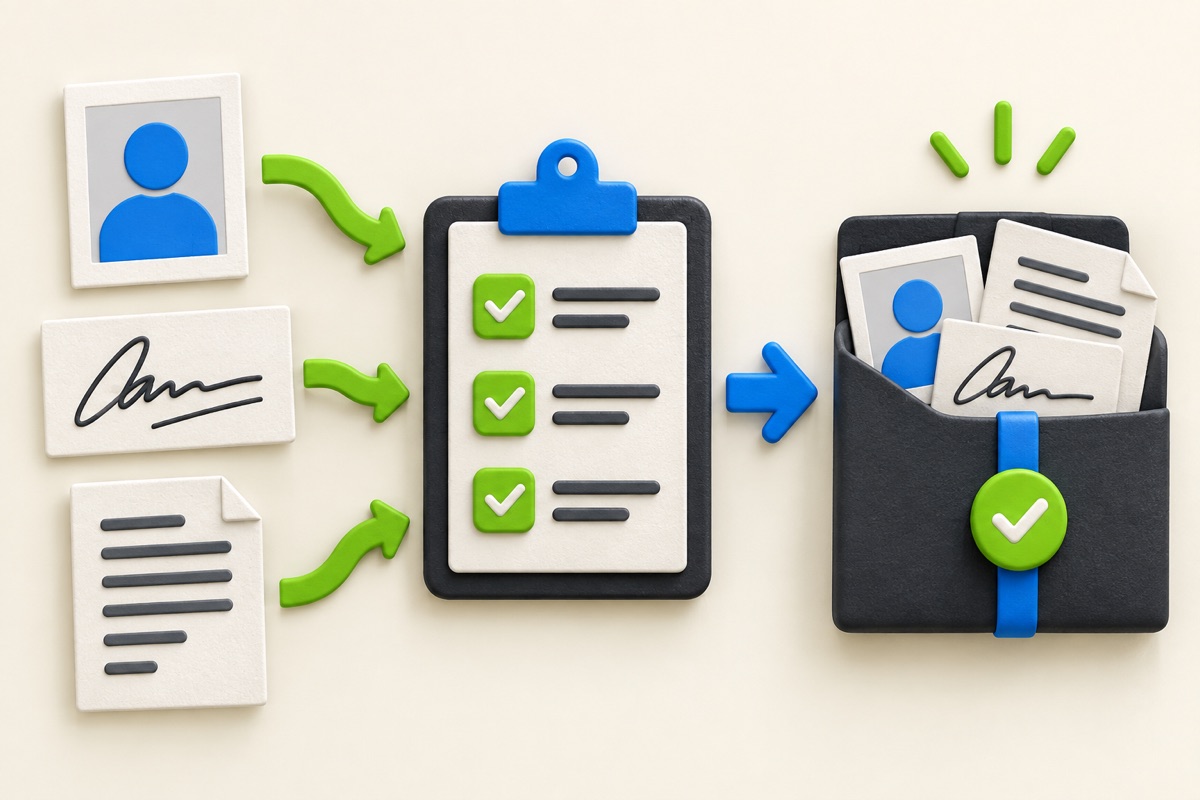
- The face is centred and fully visible.
- The background and expression follow the official requirement.
- The print dialogue is set to actual size when printing a sheet.
Common problem and fix
A photo can have the right outer dimensions and still be rejected for framing or background. Avoid shadows, tilted faces, cropped hair, filters, and screenshots of printed photographs.
Keep the original file
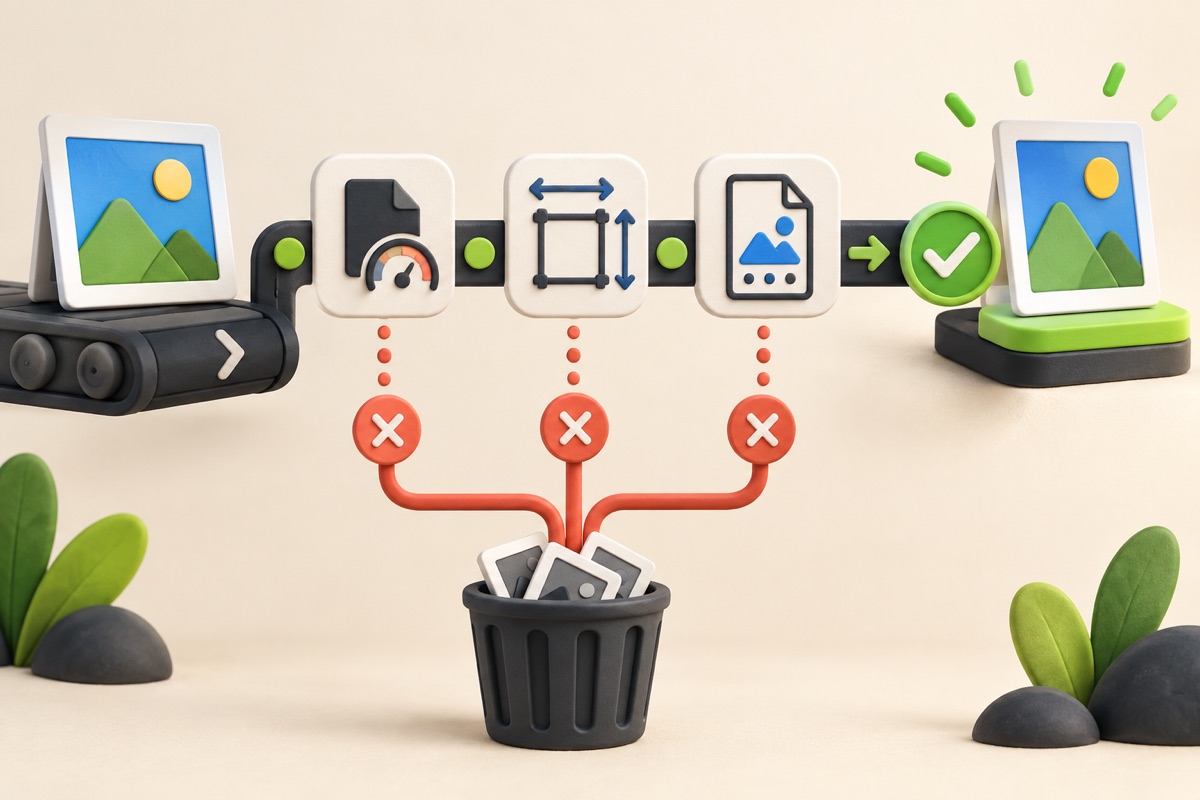
Download the processed file with a clear name, but keep the original in a separate folder. If an application portal changes its dimensions, format, page order, or file-size limit, you can create another version without starting from a lower-quality copy.
Requirements can change
UtilityHub helps prepare files; it does not set the rules of a recruitment board, passport authority, school, employer, or other destination. Always compare the downloaded file with the latest instructions shown on the official portal before final submission.
Frequently asked questions
Is 35 × 45 mm accepted everywhere?
No. It is common, but you must use the dimensions stated by the authority receiving the photo.
Can I print the generated sheet at home?
Yes, if the printer preserves actual size and the paper and print quality meet the destination requirement.
Most relevant guides
Selected by shared topic, search intent and connected tools.